Getting started · 3 min read
Find your way around Today
See what is due and continue a run one step at a time.
The current item
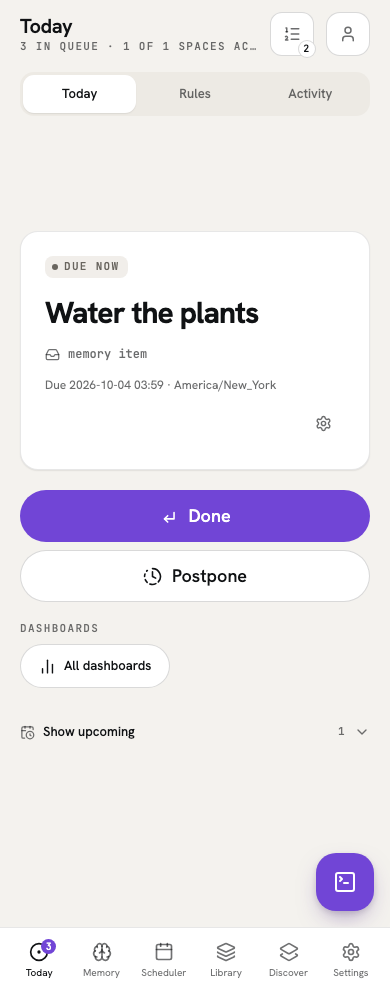
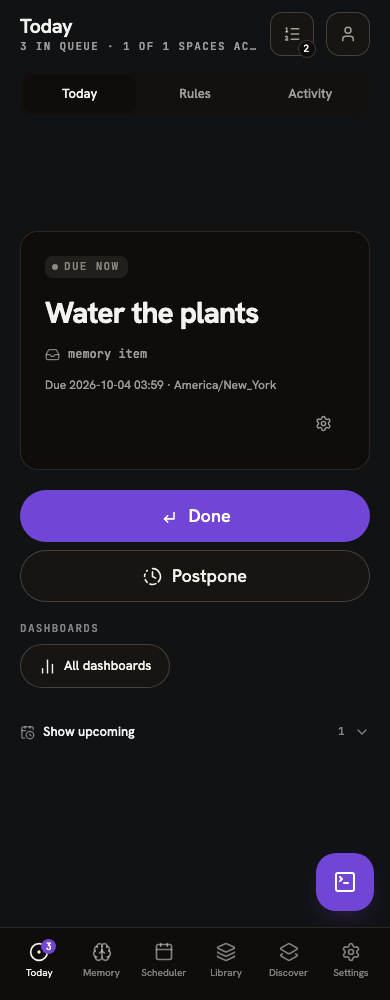
Today presents the current due item or active run. Open it to see the current step; Done advances the run. Library is where you keep and edit the routines themselves.
When the queue is empty, Today may offer an Inbox item to sort. Otherwise it shows an empty state and the next planned time when one is known.
Find the rest
On a phone, tap the Up next button in Today’s header. Its count is the number of waiting items; the sheet also shows the current item. On desktop, use the Up next rail and Show full queue. Select a waiting row to act out of order; that choice is recorded as a queue jump. The current row is informational.
In Personal, Today combines Personal with shared spaces you have marked active. Select one shared space to focus Today on it, even if that space is inactive in Personal. Use the Personal or household control in the common header to change scope. Changing your active spaces does not delete or skip their work.