Rules · 3 min read
Understand rules
Review commitments and automations in a space.
Commitments
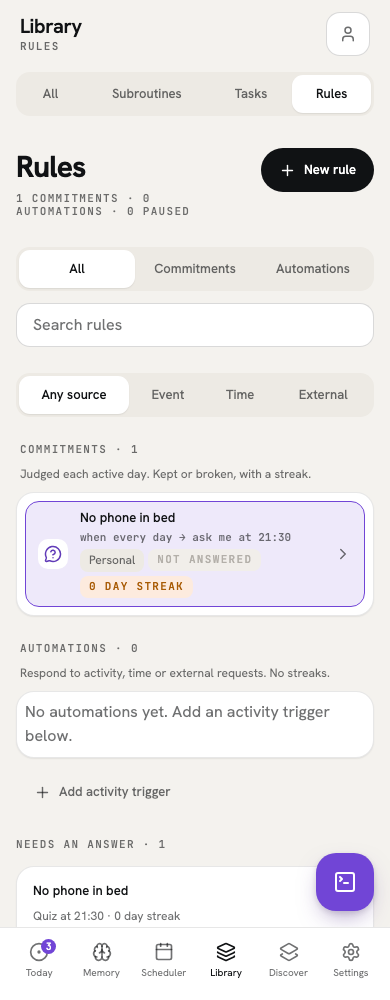
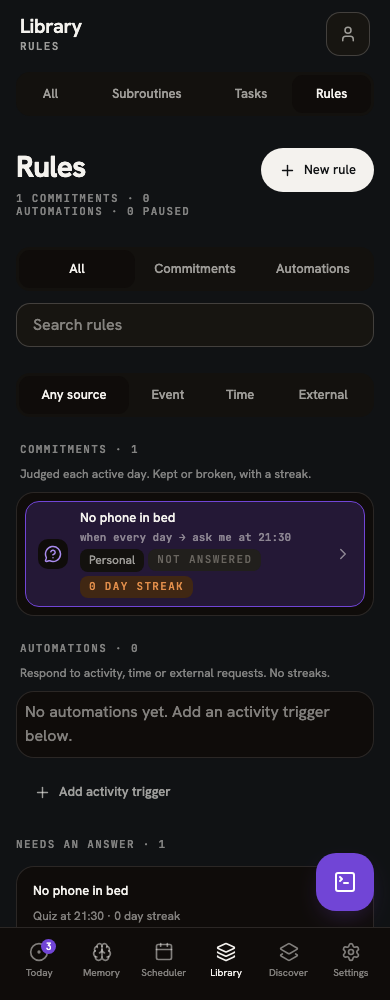
Open Library, then Rules, and choose Commitments. Select Personal or a household in the common header to set the scope. A self-report commitment asks you to answer whether you kept it; a derived commitment uses logged activity. Select one to see its recent days and edit it. You can turn a commitment off without deleting its earlier answers.
Automations
In Library → Rules, choose Automations to inspect triggers. Source filters help find time, activity and external automations. Each row shows its configured effect and status; effects can queue work, interrupt it, or log a task when supported. You can turn a trigger off, edit it, or inspect the recent firing history.
Firing counts describe recorded trigger activity, not a streak or completion rate. History labels describe the effect recorded at the time; changing a trigger does not rewrite earlier outcomes.